





Pro and Ultra
Ask Howe for the design changes
Pick a part of your store and ask for the change in your own words. Howe prepares it, you see it in the editor as unsaved changes and only then you save and publish it.
See your whole business in one place, ask Howe whatever you want to know and ask for the changes. What changes, you approve.
Howe's assistant comes with the Pro and Ultra plans.
Each store has its own screens. Pick one to see it.
The summary brings together what you sold, orders to charge and to ship, products out of stock or without a price and your best sellers, across Mercado Libre, Tiendanube and your own store.
It watches your business, answers you, prepares the changes and leaves them waiting. Nothing reaches your shoppers until you approve it.
Pick a part of your store and ask for the change in your own words. Howe prepares it, you see it in the editor as unsaved changes and only then you save and publish it.
Add, reorder, hide and duplicate sections and blocks, and change the colors, the font and the corners of the whole store. Pick a section and see its settings beside it, with your store in view.
Hand Howe your supplier's list: it reads it, links it to your catalog, works out your real margin on each channel and proposes the new prices. You approve.
Howe uses what it already knows about your business and checks what other sellers publish on Mercado Libre: at what price they sell and how much. Each analysis you ask for stays on the list so you can see it again.
To go further than the editor: an AI code editor on your store's theme. You ask for the change, see what it touched file by file and approve it yourself.
Meet Howe CodeWhile you build the store, the editor shows how a shopper sees it on an iPhone. The templates adapt to every screen.
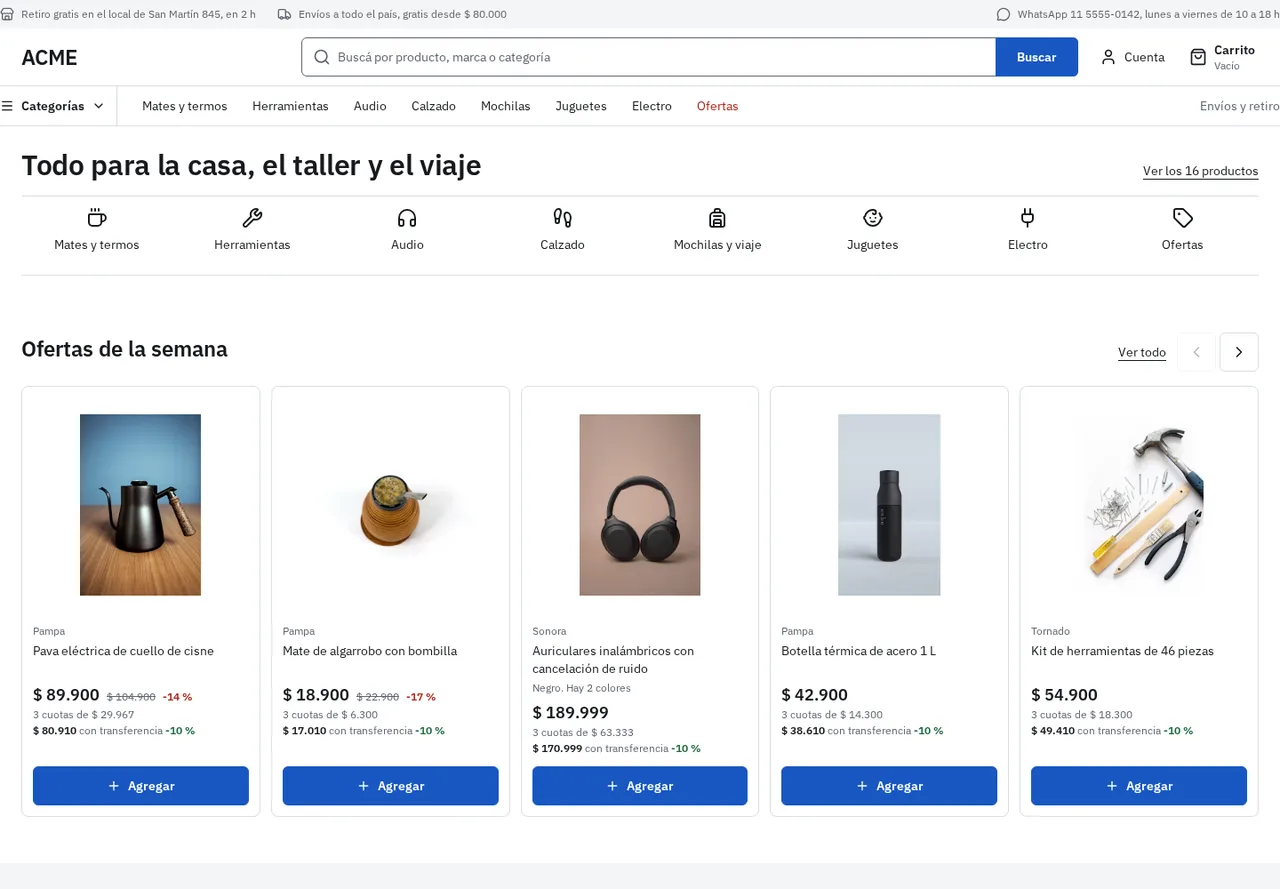
One store for the public and another for other businesses, each with its own rules: minimum order, sold by the case, who sees the prices and how people get in to buy.
Sales, orders to charge and to ship and what is pending each day, with your channels together.
Variants, price and stock for each store, with a photo gallery and loading from an Excel or a CSV.
Your store's orders with their status and details, to charge, ship and deliver from the list.
Your suppliers, what you owe them and how much is left of each sale, with the cost from the list you handed over.
Who sells the same thing, at what price and what you should do, from what is public on Mercado Libre.
Pro and UltraFour templates with three styles each, sections you add and hide, and drafts and versions so you publish without fear.
Ask it about your sales, your costs or your products from any screen and ask for the changes: you approve them.
Pro and UltraOne per brand or per type of customer, retail or wholesale, each with its own rules.
To go further, an AI code editor on your store's theme.
Pro and UltraChoose whether you sell to the public or to other businesses and name your store.
Pick a template and one of its three styles.
Load your products or import them from a spreadsheet.
Make it yours in the editor, ask Howe for changes and publish when you like it.
No. You pick a template and make it yours in the editor: you add, reorder and hide sections, and change the colors, the font and the corners. If you want to go further, Howe Code is an AI editor for your store's theme.
No. When you ask for a change, Howe proposes it and you see it in the editor as unsaved changes. Nothing reaches your shoppers until you save and publish it yourself.
Yes. The editor shows your store on desktop and on a phone with what you are editing. What you save stays a draft until you publish, you can undo and redo while you edit, and then go back to an earlier version from "Other versions".
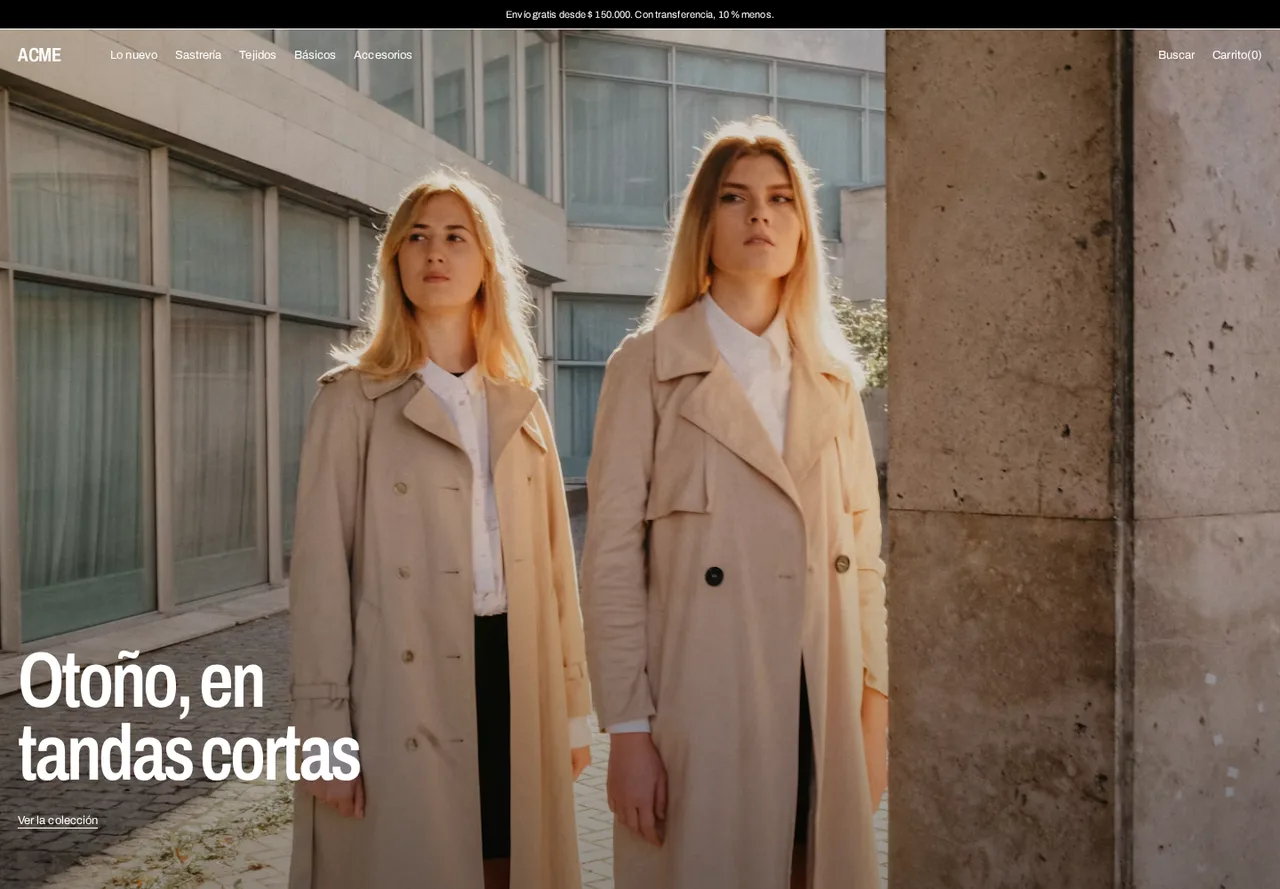
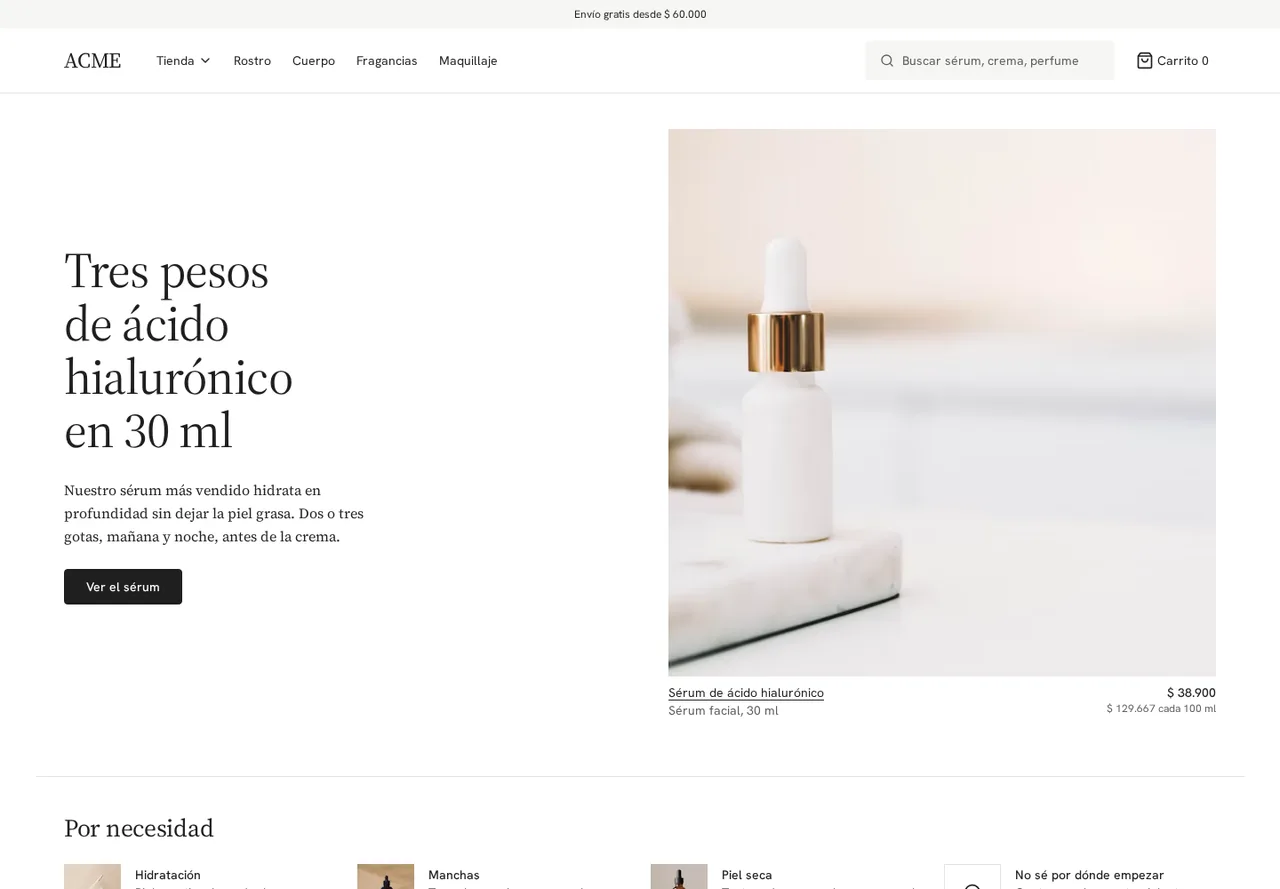
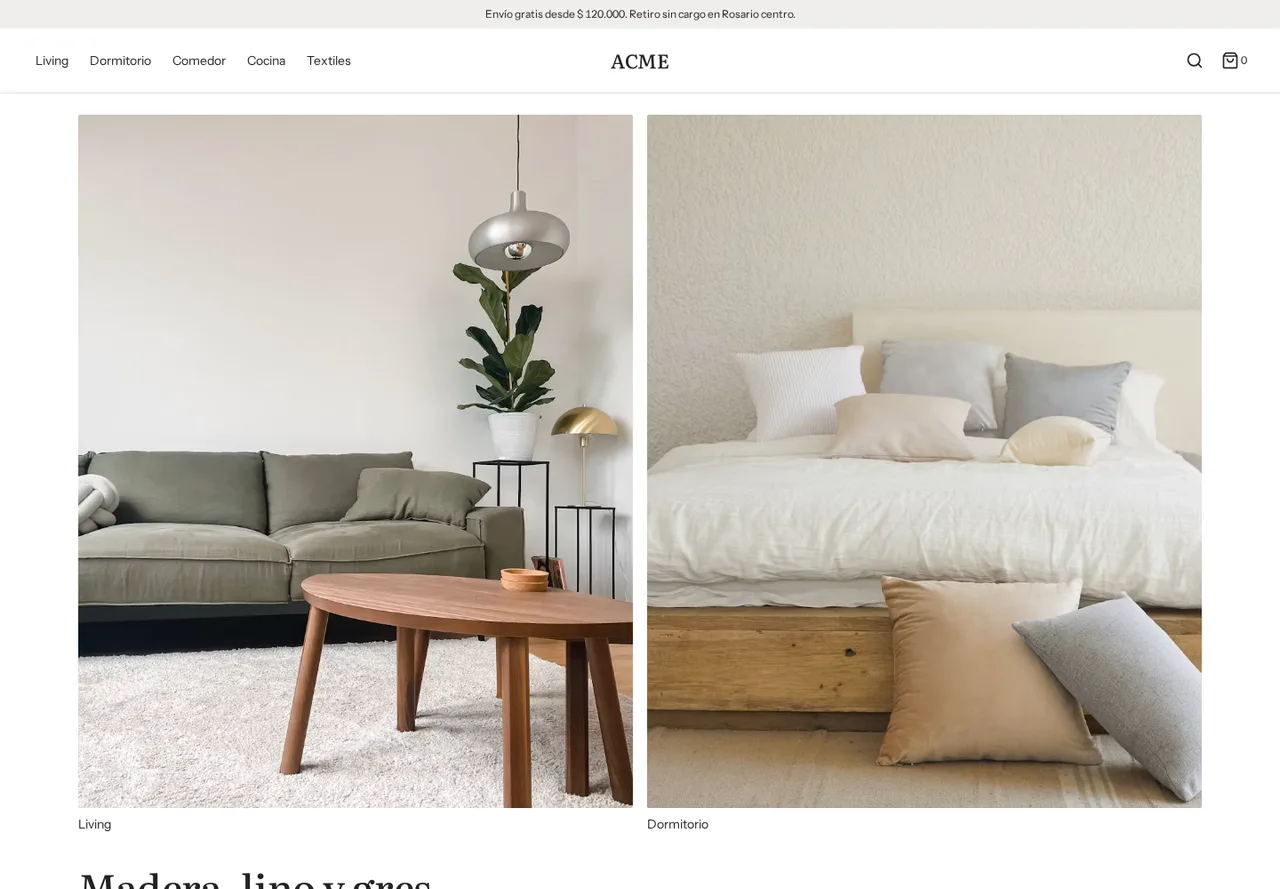
Four: Pasarela for fashion, Botica for beauty, Ambiente for home and Mostrador for big catalogs and wholesale. Each one comes with three styles and adapts to the phone.
One by one, with their variants, price, stock and photos, or all at once by importing an Excel or a CSV.
Yes to both. You can have several stores, for example one per brand, and when you create each one you choose whether it is retail or wholesale. In a wholesale store you set rules such as the minimum order, selling by the case or who sees the prices.
Yes. The store summary brings together what you sold, orders to charge and to ship, products out of stock or without a price and your best sellers, across Mercado Libre, Tiendanube and your own store.
No. Howe's assistant, the competition analysis and the AI code editor come with the Pro and Ultra plans.
It depends on the plan. The price of each one and what it includes are on the pricing page.
No change reaches your store without going through the change engine. You approve from the web, your phone or WhatsApp.
Every change keeps how things were before. One click and it's back.
You choose how far it acts on its own. A price that loses you money is never applied automatically, in any mode.
Each business's data is isolated with row-level security in the database.
Mercado Libre and Tiendanube credentials are stored encrypted.
Who changed what, and when, is logged. The log can't be rewritten.